The keypad is a calculator
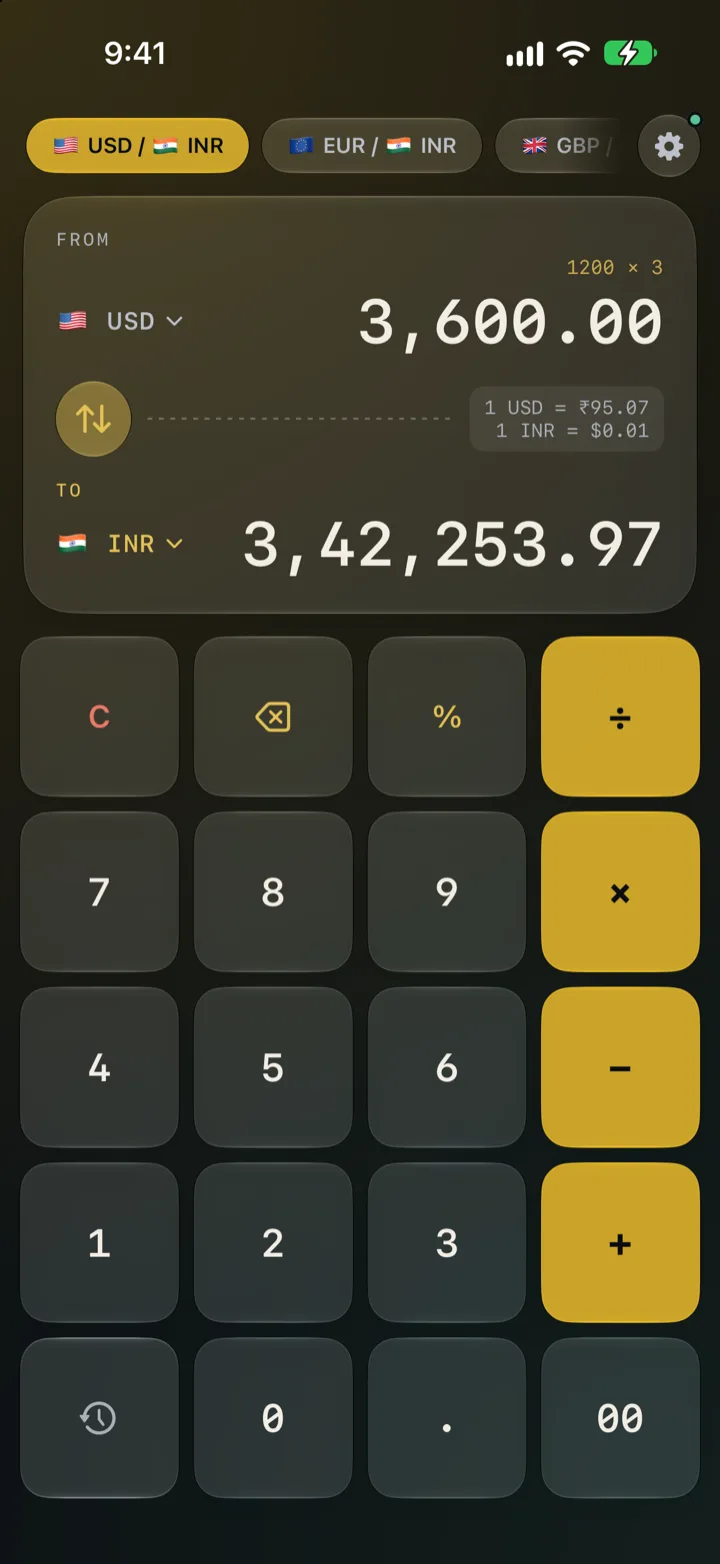
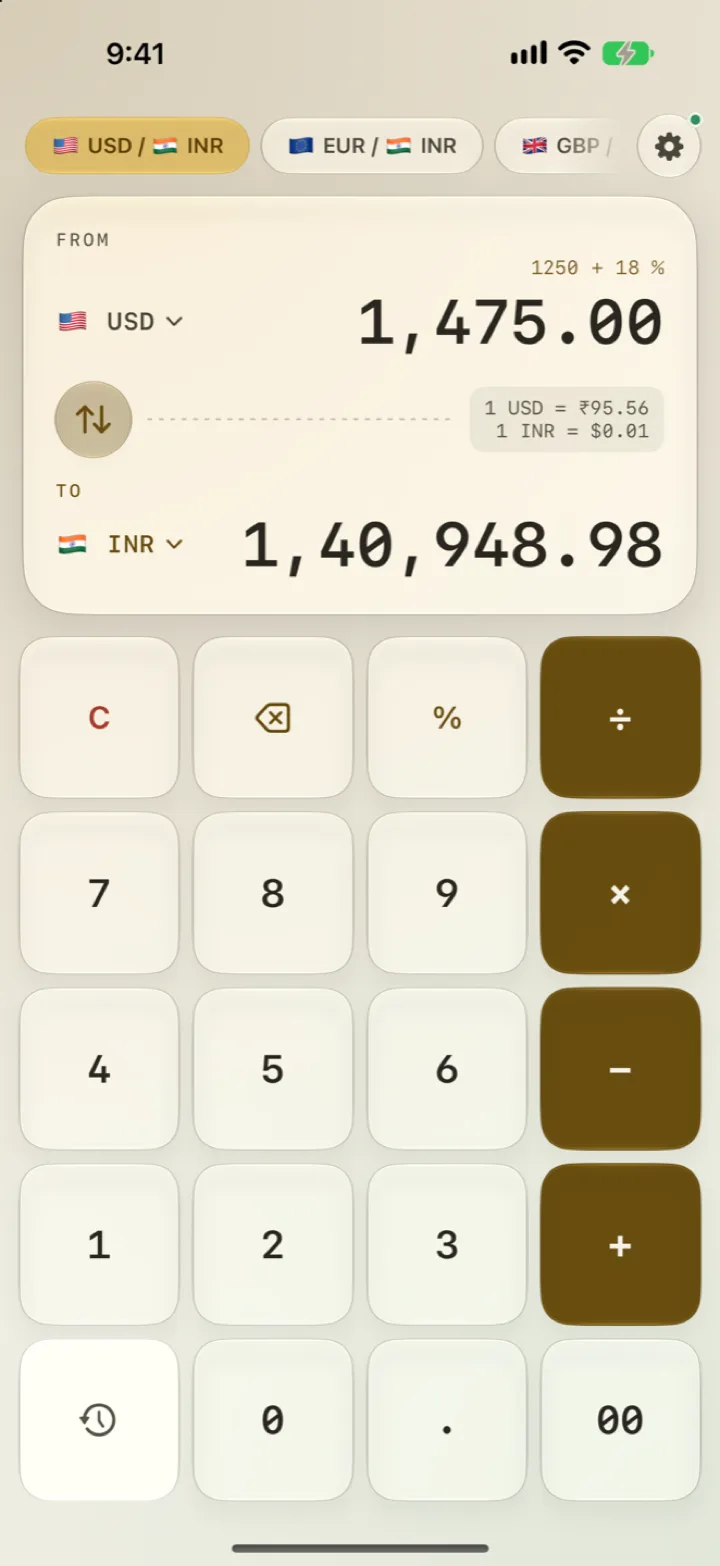
Split a bill, add tax, total two prices. Type 1200 × 3 or 500 + 18% and the conversion updates as you go.
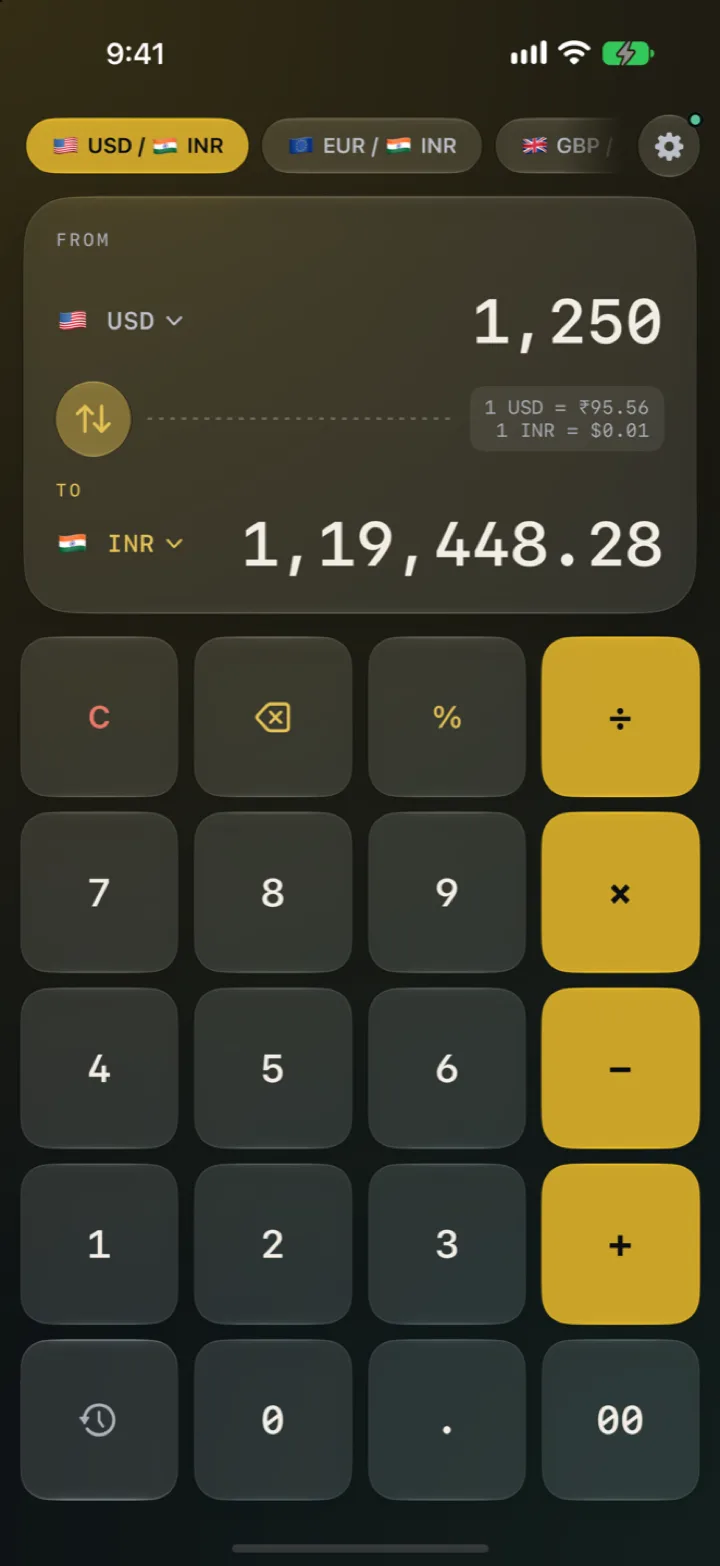
A currency converter with a calculator for a keypad. Type a price or a whole sum and it converts as you type, with or without signal.

Coming soon to

Why this one
It opens on the keypad, converts as you type, and keeps working when your phone has no signal. No ads, no sign-up, nothing between you and the number.
What it does
Everything you need at a market stall or a dinner bill, and nothing you’d have to scroll past to get there.
Split a bill, add tax, total two prices. Type 1200 × 3 or 500 + 18% and the conversion updates as you go.
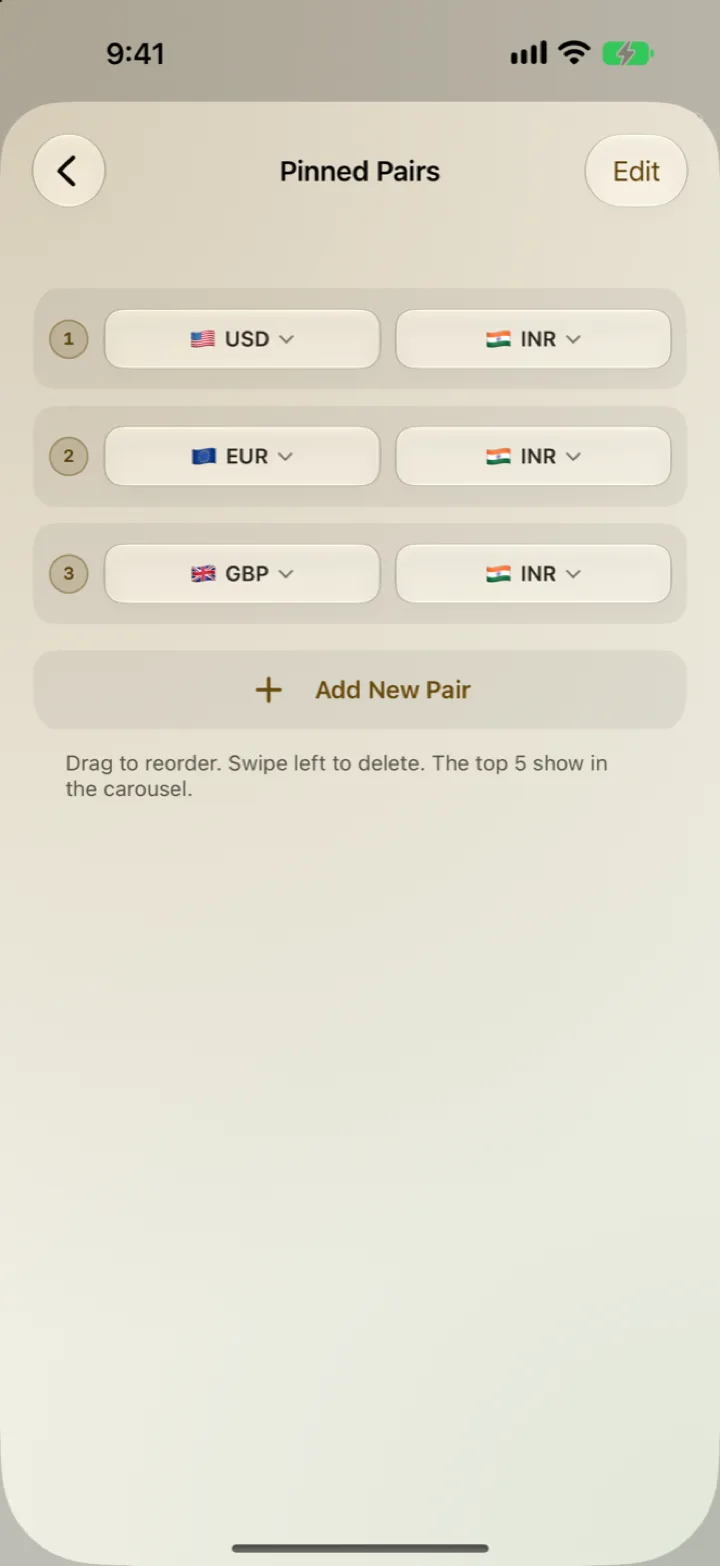
The pairs you actually use ride along the top. Pin as many as you like, drag to reorder; the top five live in the carousel.
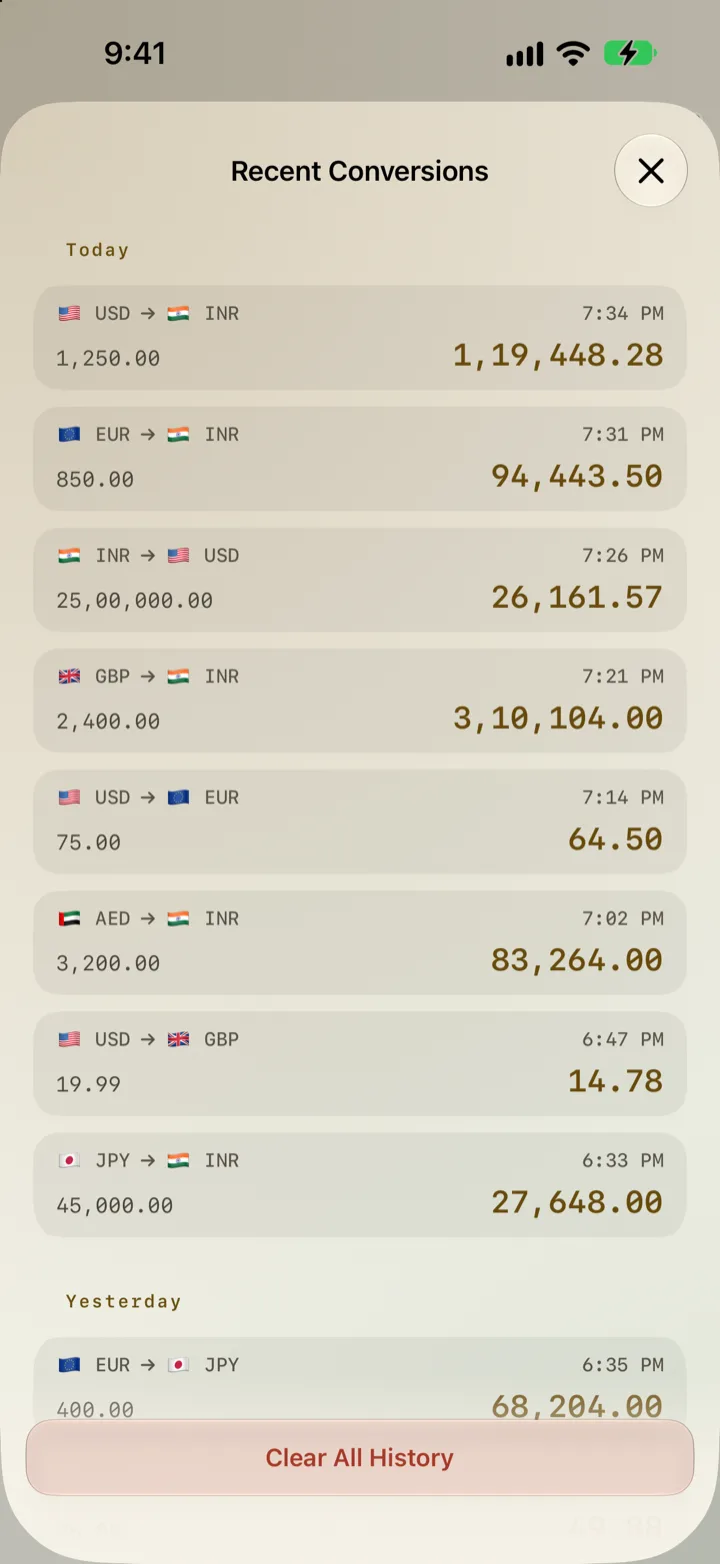
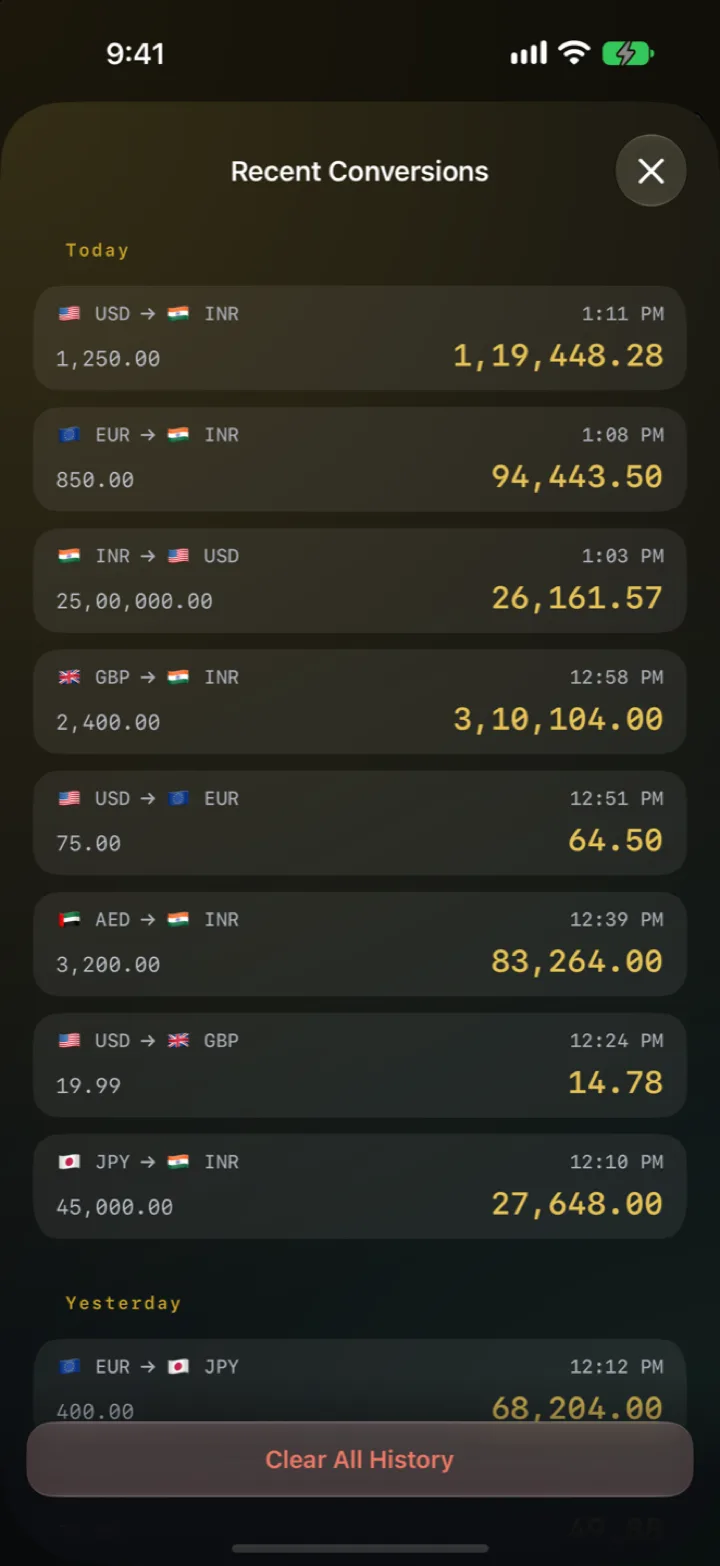
Your 25 most recent conversions, grouped by day. Tap one to use it again, or copy a value straight out.
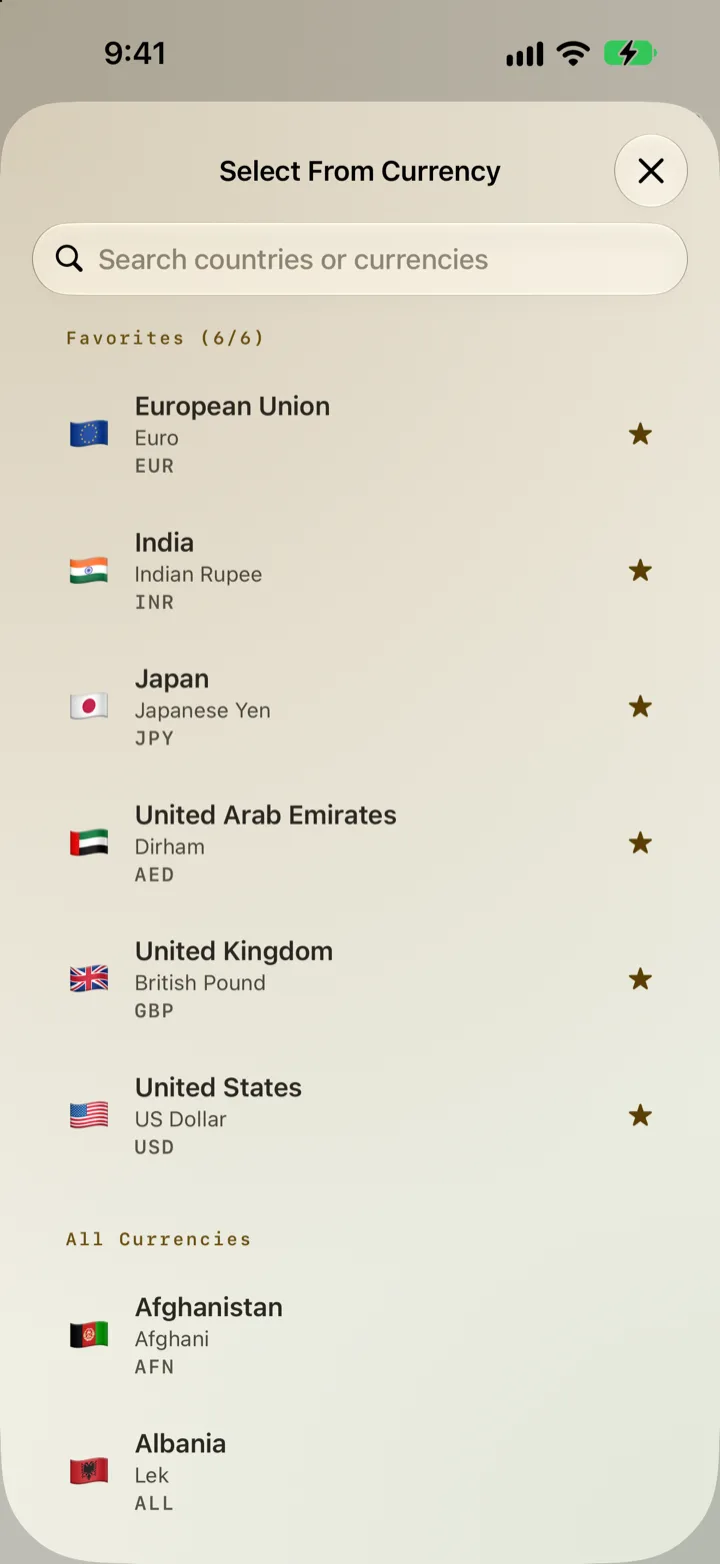
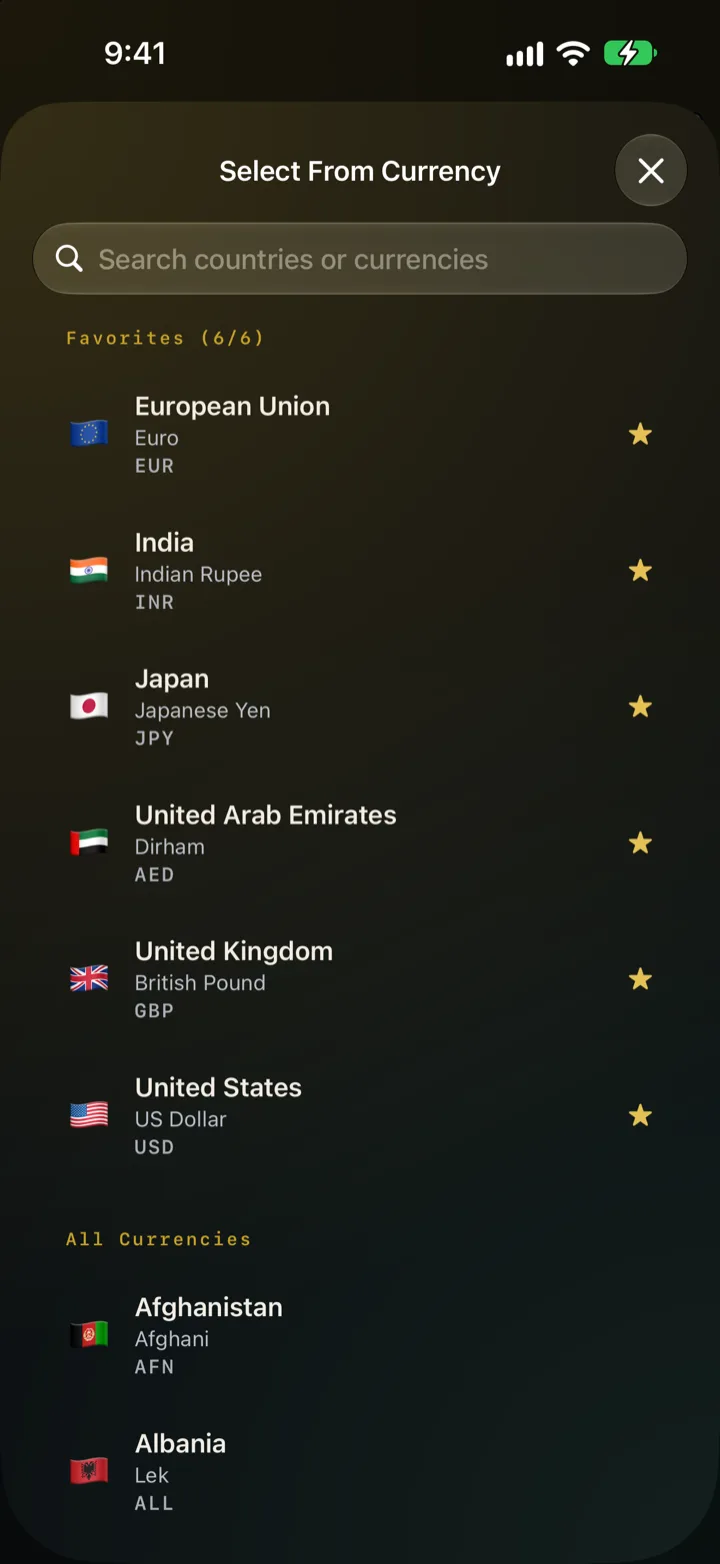
Search 160 currencies by country or code. Star up to six favourites and they stay at the top of the list.
Digits, operators, backspace and clear each have their own haptic, so it feels like a tool with real buttons. One switch turns them off.
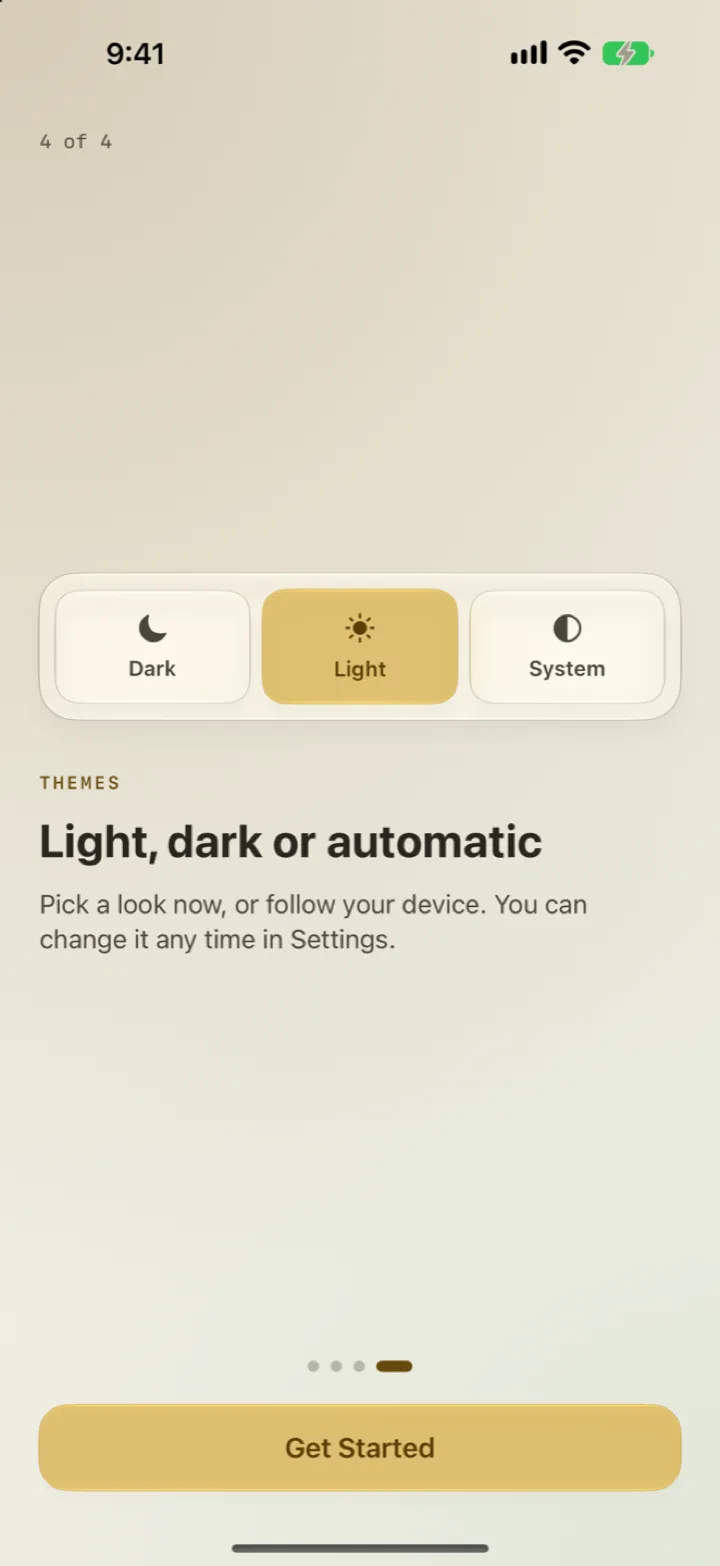
Dark, light or follow the system. Indian 1,00,000 or international 100,000 grouping. Two panes on iPad.
Try it here
This is the app’s keypad, rebuilt for the web with the same maths. Pick a pinned pair, change a currency, or try one of these.
After + or −, % is a share of the running total, so 500 + 18% is 590, the way every phone calculator does it. Works with your keyboard too.
FROM
TO
Loading today’s rates…
Screens
Pricing
Live, tick-by-tick rates cost money, and paying for them would mean ads or a subscription. So the app uses daily reference rates instead, and costs nothing.
The story
A designer’s notes on building a free, offline, ad-free converter for iPhone and Android with AI writing the code. The web app that came first, four decisions worth defending, and what shipping to two stores actually took.
Read on MediumQuestions
Yes. The app keeps the last rates it downloaded and uses them until it can refresh, so it still has an answer at a counter with no signal.
They’re daily reference rates from Frankfurter.dev, which publishes rates from central banks and other official sources. Settings shows when they were last updated. They’re for travel, shopping and splitting bills, and may differ from what your bank or card charges. Please don’t trade on them.
After + or −, it’s a percentage of the running total: 500 + 18% is 590. After × or ÷, or on its own, it means divide by 100: 500 × 20% is 100.
Settings → Manage Pinned Pairs. Tap Add New Pair and choose the From currency, then the To currency. Drag to reorder, and swipe left to delete. The top five show in the carousel above the converter.
None. No ads, no tracking, no account. Your settings, pinned pairs and history stay on your device. Read the privacy policy.
It’s in closed testing on Google Play now and coming soon. The Android app is built natively from the same design.
More answers on the support page, or email apoorvarora.dev@gmail.com.

Free on the App Store for iPhone, iPad and Mac. Coming soon to Google Play.
Coming soon to